If you've ever looked at your bank statement and thought "what am I paying for?", you're not alone. Learning how to track my subscriptions effectively is one of the smartest financial moves you can make in 2026. This comprehensive guide covers everything you need to know about subscription management and finding the right app to track subscriptions.
Why Tracking Your Subscriptions Matters
The average American spends $273/month on subscriptions but thinks they only spend $86. That's a $187/month gap — money silently leaving your account. Here's why you need to keep track of subscriptions:
- Hidden costs add up fast — A $5 app here, $10 service there... it totals hundreds monthly
- Free trials convert to paid — 40% of people forget to cancel trials before being charged
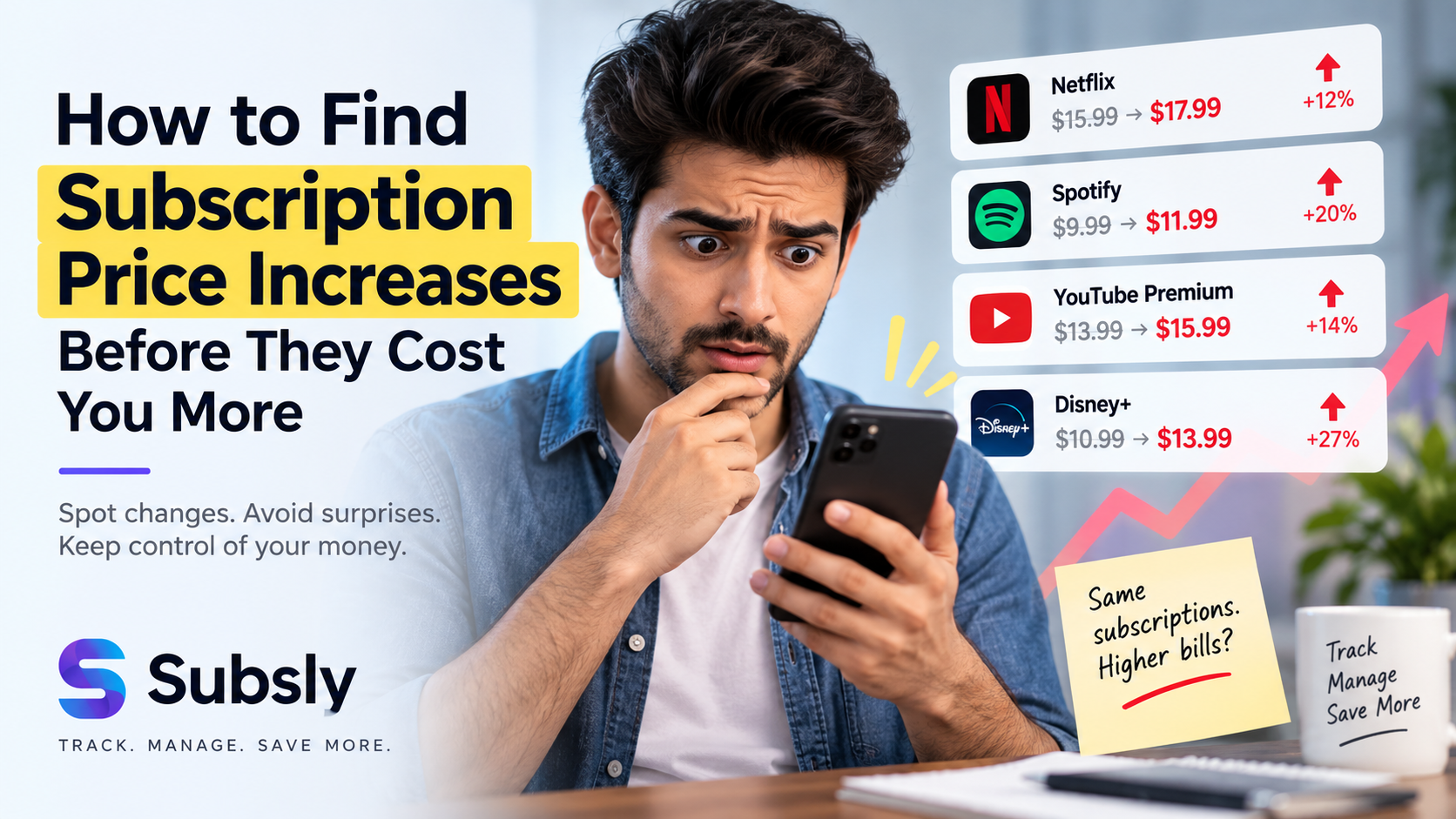
- Prices increase quietly — Services raise prices hoping you won't notice
- Duplicate services waste money — You might be paying for overlapping services
Step 1: Audit All Your Current Subscriptions
Before you can track subscriptions effectively, you need to know what you're paying for. Here's how to find every subscription:
Check Your Bank Statements
Go through the last 3 months of credit card and bank statements. Look for recurring charges — these are your subscriptions. Many people discover 2-4 subscriptions they forgot about during this audit.
Search Your Email
Search your inbox for terms like "subscription," "renewal," "receipt," and "billing." This will surface confirmation emails from services you've signed up for.
Check App Store Subscriptions
Both Google Play and Apple App Store have subscription management sections. Review what's active — you might find apps you no longer use still charging you.
Step 2: Choose the Best Subscription Tracker App
Once you know what you're paying for, you need a reliable subscription tracking app to stay organized. The best subscription tracker app should offer:
- A clean dashboard showing all subscriptions at a glance
- Automatic renewal reminders via push notifications
- Cost breakdowns (daily, monthly, yearly)
- Usage tracking to identify underused services
- Category organization (entertainment, productivity, fitness, etc.)
Subsly is designed specifically for this purpose — it's the most complete app to manage subscriptions available on Android.
Step 3: Add All Subscriptions to Your Tracker
Open your subscription management app and add every subscription you found during your audit. For each one, enter:
- Service name (Netflix, Spotify, Dropbox, etc.)
- Cost and billing cycle (monthly, quarterly, annual)
- Next renewal date
- Category (entertainment, productivity, business, health)
- Payment method used
Step 4: Set Up Renewal Reminders
The biggest benefit of using an app to keep track of subscriptions is automated reminders. In Subsly, set notifications for:
- 7 days before — initial heads-up to evaluate the service
- 3 days before — decision time to keep or cancel
- 1 day before — final reminder for last-minute changes
Step 5: Track Your Daily Usage
This is where Subsly truly shines as a subscription tracker app. Each day, mark which subscriptions you actually use. After a month, you'll have clear data showing:
- Which subscriptions you use daily (definitely worth keeping)
- Which you use weekly (evaluate the cost-to-value ratio)
- Which you rarely or never use (candidates for cancellation)
Step 6: Review and Optimize Monthly
Set a monthly "subscription review" reminder. During this review:
- Check your total monthly subscription cost
- Review usage data for each subscription
- Cancel services with low utilization
- Look for cheaper alternatives or bundle deals
- Check if any prices have increased since you subscribed
Common Subscriptions People Forget to Track
When learning to track my subscriptions, don't forget these commonly overlooked categories:
- Cloud storage — iCloud, Google One, Dropbox
- News and magazines — NYT, WSJ, Medium
- Fitness apps — Peloton, MyFitnessPal Premium, Strava
- VPN services — NordVPN, ExpressVPN
- Domain registrations — GoDaddy, Namecheap
- Software licenses — Microsoft 365, Adobe Creative Cloud
- Gaming — Xbox Game Pass, PlayStation Plus, Nintendo Online
How Much Should You Spend on Subscriptions?
Financial experts recommend keeping your total subscription spending under 5-10% of your take-home pay. Use this formula:
Monthly take-home pay × 0.05 to 0.10 = Your subscription budget
If you earn $4,000/month, aim for $200-400 in total subscriptions. A good subscription management app like Subsly makes it easy to stay within this budget.
Start Tracking Today
The best time to start tracking your subscriptions was yesterday. The second best time is now. Download Subsly — the best subscription tracker app — and take the first step toward financial clarity.
Download Subsly free on Android and start tracking your subscriptions in minutes.