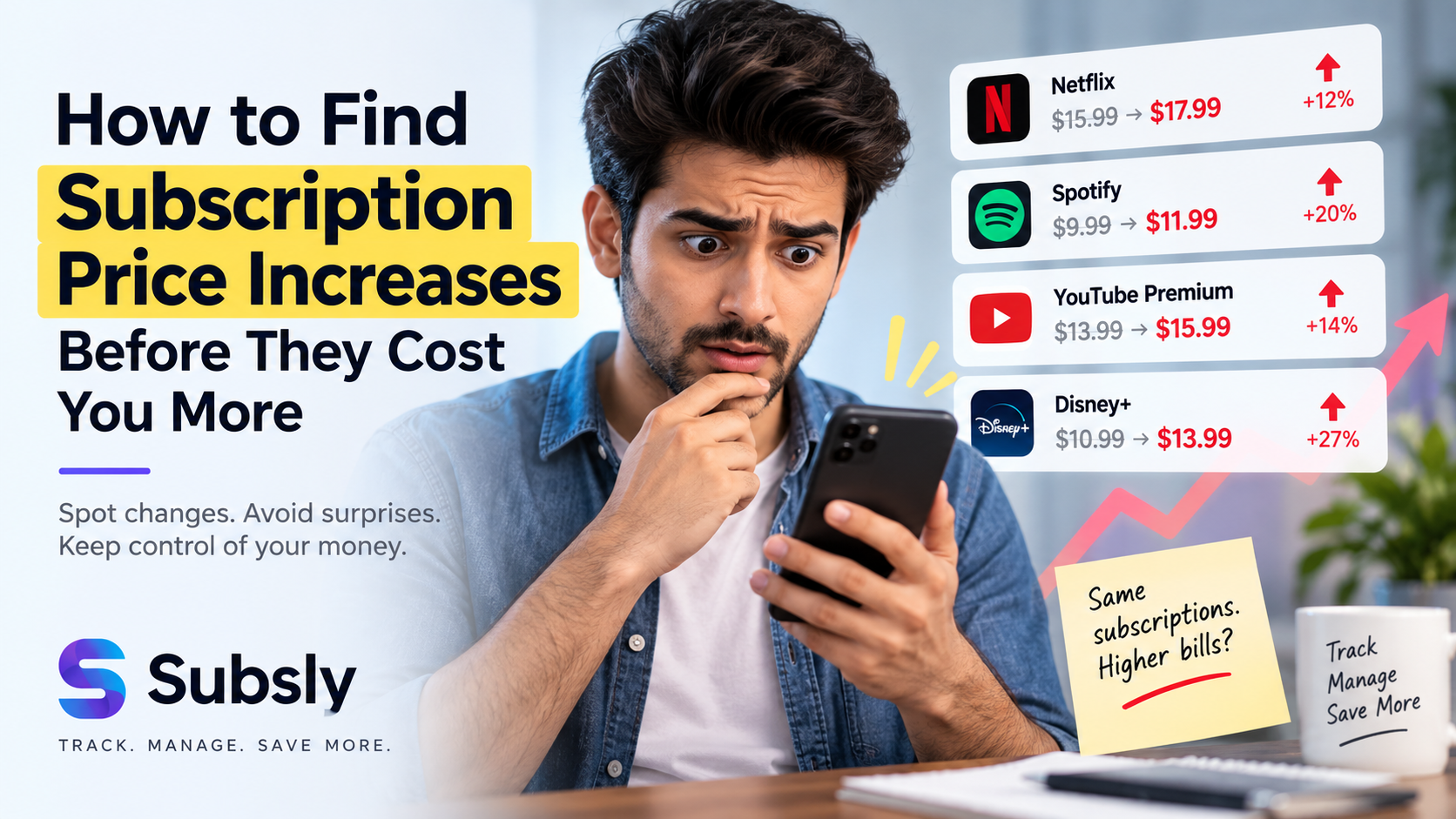
Ready to finally get your subscriptions under control? This actionable checklist will walk you through everything you need to do with a subscription tracker app to track subscriptions, eliminate waste, and save money. Bookmark this page — you'll want to come back to it.
Phase 1: Setup (Day 1)
Getting started with your subscription management app takes less than 30 minutes.
Download & Install
- ☐ Download Subsly from the Google Play Store
- ☐ Create your account
- ☐ Set your preferred currency
- ☐ Enable push notifications
Add Your Subscriptions
- ☐ Add all streaming services (Netflix, Spotify, Disney+, etc.)
- ☐ Add software subscriptions (Adobe, Microsoft 365, etc.)
- ☐ Add cloud storage (iCloud, Google One, Dropbox)
- ☐ Add fitness subscriptions (gym, apps)
- ☐ Add news/media subscriptions
- ☐ Add gaming subscriptions
- ☐ Add VPN and utility services
- ☐ Add any business/SaaS tools
Verify with Bank Statements
- ☐ Check last 3 months of credit card statements
- ☐ Check bank accounts for recurring charges
- ☐ Check Google Play Store active subscriptions
- ☐ Check Apple App Store subscriptions (if applicable)
- ☐ Search email for "subscription," "renewal," "receipt"
- ☐ Add any newly discovered subscriptions to Subsly
Phase 2: Configure Reminders (Day 1-2)
- ☐ Set renewal reminders for each subscription (7 days before recommended)
- ☐ Set a secondary reminder for 1 day before renewal
- ☐ For annual subscriptions, set reminders for 30 days before
- ☐ Set a monthly "subscription review" reminder for the 1st of each month
Phase 3: Track Usage (Days 2-30)
This is where the real value of a subscription tracking app comes in.
- ☐ Every day, open Subsly and mark which subscriptions you used
- ☐ Be honest — don't mark something as used if you only opened the app briefly
- ☐ After 1 week, check which subscriptions have 0 usage
- ☐ After 2 weeks, note patterns (weekday only? Weekend only?)
- ☐ After 30 days, you'll have comprehensive usage data
Phase 4: First Review (Day 30)
Time for your first subscription audit. This is where you save money.
- ☐ Open Subsly and note your total monthly subscription cost
- ☐ Sort subscriptions by usage — lowest usage first
- ☐ For each subscription with less than 5 days of usage in 30 days, ask: "Would I miss this?"
- ☐ Cancel subscriptions you wouldn't miss
- ☐ For medium-usage subscriptions, check if a cheaper tier is available
- ☐ Look for duplicate services (two music apps, two cloud storage, etc.)
- ☐ Check if any services have raised prices since you subscribed
- ☐ Calculate your savings from cancellations
Phase 5: Ongoing Management (Monthly)
Using the best app to keep track of subscriptions is an ongoing practice.
- ☐ Review subscription dashboard on the 1st of each month
- ☐ Add any new subscriptions immediately when you sign up
- ☐ Continue daily usage tracking
- ☐ When a renewal reminder comes, evaluate before paying
- ☐ Look for annual plan discounts on services you use heavily
- ☐ Share findings with family to optimize household spending
Phase 6: Advanced Optimization (Quarterly)
- ☐ Compare your total spending to the 5-10% of income guideline
- ☐ Look for bundle deals (Disney+/Hulu/ESPN+, Apple One, etc.)
- ☐ Contact services for retention discounts when canceling
- ☐ Check if annual plans would save money on heavily-used services
- ☐ Review if any free alternatives exist for low-priority subscriptions
Expected Results
Following this checklist with a subscription tracker app, here's what you can expect:
- Week 1: Full visibility into actual subscription spending
- Month 1: Identify 2-5 subscriptions to cancel or downgrade
- Month 3: Save $30-80/month ($360-960/year)
- Month 6: Subscription habits fully optimized, ongoing savings
Get Started Now
Print this checklist, download Subsly, and start working through Phase 1 today. The best subscription management app combined with this systematic approach will transform your relationship with recurring payments.
Download Subsly free on Android — the best subscription tracker app to track and manage all your subscriptions.